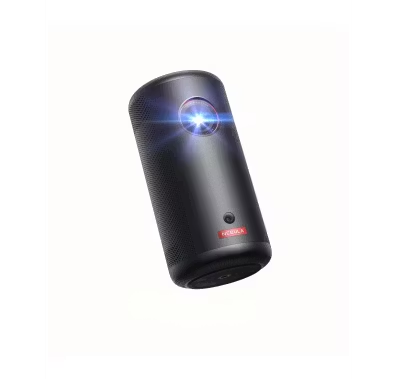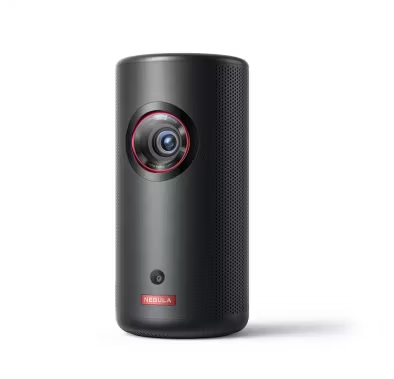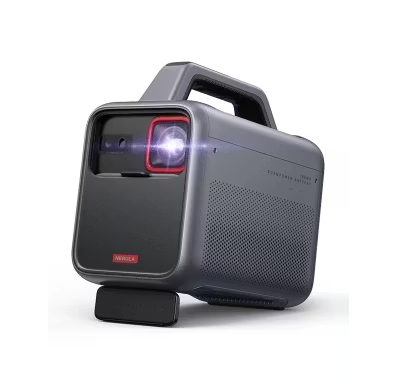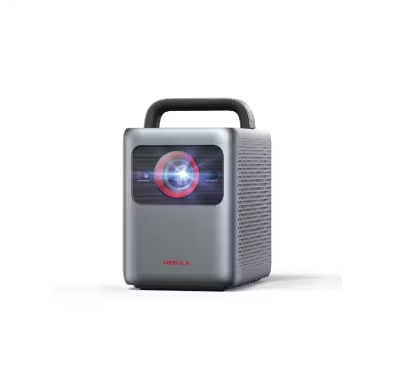
Porodo Smart HD Projector PDTS7WH - Android 13, 720P, 120 ANSI Lumens
Green Lion Thermal Label Printer Snap Label 14mm - Bluetooth, White
Powerology Motorized Projector Screen P100MPS - 100", 16:9, White
Porodo Projection Screen PDTET100 - 100-inch 4:3 Tripod, White
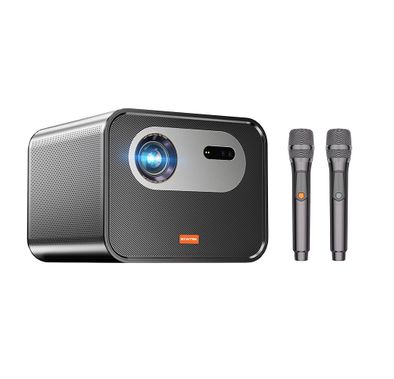
Porodo Projector PDTS17GY - Smart FHD 100" Android 13, Gray
Green Lion Projection Screen GNPTPDS72MWH - 72", Matte White, Tripod
Green Lion Portable Projector Nova 2 - 4K Support, White
Green Lion Mini Projector VENUS GNVE4KPROJWH - 4K, Wireless, White
Porodo Gaming Projector PDX639BK - 4K, Android 11, Gamepad Controller
Powerology Projector Starbeam PGTVPBK - 100" Android DLP 4K, Portable
Porodo Smart Android Projector PDPR2236 - Full HD 1080P, WiFi & Bluetooth
Green Lion Smart Projector Orion 2 GNORI2PRTRWH - 4K, Wi-Fi & Bluetooth, White
Green Lion Portable Projector GALAXY GNGX4K5PROWH - 720P HD, Android 13, White
Green Lion Portable Projector Nova GNNOVPJRTWH - Smart Android, 720P HD, White
FAQ
How do I know if a printer or office device is compatible with my computer or mobile device?
To check compatibility, always look at the product specifications for supported operating systems (like Windows, MacOS, iOS, Android). Many modern printers support wireless printing from smartphones and tablets, but some older models may only work with computers. If you use cloud services like Google Drive or AirPrint, make sure the device supports them. It's also important to check if the device has the right ports (USB, Ethernet) or wireless options (Wi-Fi, Bluetooth) for your setup. If you're unsure, contact Naml's support team with your device details for personalized advice.What should I consider when comparing print speed and quality?
Print speed is measured in pages per minute (ppm), and quality is often shown in DPI (dots per inch). If you print a lot of documents quickly, look for higher ppm. For photos or graphics, higher DPI means sharper images. Some printers offer 'draft' modes for faster, lower-quality prints, and 'high quality' modes for important documents. Always check sample prints or reviews to see real-world results. Consider what you print most—text, photos, or both—to choose the right balance.How can I estimate the running costs of a printer or office device?
Running costs include ink or toner, paper, and maintenance. Check how many pages each cartridge prints (yield) and the price of replacements. Some printers use high-yield cartridges that last longer and save money. Also, consider if the device needs regular maintenance like cleaning or part replacements. Reading reviews and manufacturer info helps estimate monthly costs. Naml lists cartridge yields and compatible supplies to help you budget.What connectivity options should I look for in office tech devices?
Common connectivity options include USB, Wi-Fi, Ethernet, Bluetooth, and sometimes NFC or cloud printing. USB is reliable for direct connections, while Wi-Fi and Ethernet are great for sharing devices in an office. Bluetooth is useful for quick mobile printing. Cloud printing lets you print from anywhere using services like Google Cloud Print. Choose based on your workspace—if you have multiple users or need wireless access, prioritize Wi-Fi or Ethernet.How do I choose a printer or device that fits my workspace?
Measure your available space before shopping. Compact printers and all-in-one devices save space and reduce clutter. Some models are designed for small desks or shelves, while others need more room for paper trays or scanning beds. Think about where cables and paper will go, and if you need easy access for multiple people. Naml provides dimensions for each product—compare them to your workspace to avoid surprises.Why is brand reputation and after-sales support important when buying office tech?
A reputable brand usually means better reliability, easier access to spare parts, and more responsive customer service. If something goes wrong, strong after-sales support can save you time and money. Brands like HP, Canon, and Brother are known for good warranties and support in the UAE. Check reviews and see if the brand has local service centers. Naml only lists brands with proven support to ensure peace of mind.What special features should I look for in office tech devices?
Special features can make your workflow easier. Look for scanning, copying, and faxing if you need an all-in-one device. Duplex printing saves paper by printing on both sides. Some printers offer 3D printing or high-capacity shredding for specific needs. Mobile and cloud printing are great for remote work. Think about your daily tasks and choose features that save you time and effort.How do I choose between inkjet and laser printers?
Inkjet printers are great for high-quality color prints and photos, but their ink can be more expensive over time. Laser printers are faster and more cost-effective for large volumes of text documents. If you print occasionally and want vibrant images, inkjet is a good choice. For offices with heavy daily printing, laser is usually better. Consider your print volume, color needs, and budget before deciding.What should I do if I'm overwhelmed by too many choices and technical specs?
Start by listing your main needs—like print volume, color, and special features. Use filters on Naml to narrow down options by brand, price, and features. Read detailed product descriptions and customer reviews for real-world insights. If you're still unsure, reach out to Naml's support for personalized recommendations. Taking it step by step makes the process less stressful and helps you find the right device.Are there space-saving or multi-functional devices suitable for small offices?
Yes, many brands offer compact all-in-one printers that combine printing, scanning, and copying in one device. These are perfect for small offices or home workspaces with limited room. Some models have wireless connectivity, so you can place them anywhere without worrying about cables. Look for devices labeled as 'compact' or 'all-in-one' on Naml. They help you save space and money by reducing the need for multiple machines.
Expert Advice for Choosing Printing & Office Tech
Why Printing & Office Tech Matters
Reliable printing and office technology are the backbone of any productive workspace. The right devices streamline your workflow, reduce downtime, and help you present your best work—whether you’re running a busy office or managing tasks from home. Investing in quality office tech means fewer interruptions, clearer communication, and a smoother daily routine.
Explore a World of Options
The Printing & Office Tech category offers a wide array of solutions to suit every need. From compact wireless printers to high-capacity all-in-ones, and from basic office gadgets to advanced smart devices, there’s something for every workspace. Whether you’re drawn to the innovative features of Lenovo or the dependable performance of Amazon devices, you’ll find options that match your workflow and style.
The Challenge of Choosing
With so many models and features available, selecting the right office tech can feel overwhelming. Many buyers struggle to compare print speeds, connectivity options, or understand the difference between inkjet and laser printers. It’s common to wonder which features are essential and which are just nice-to-have, especially when balancing budget and performance.
What to Consider Before You Buy
When choosing office tech, think about your daily needs: Do you print in high volumes? Need wireless connectivity? Require scanning or copying? Consider factors like print quality, device compatibility, energy efficiency, and ease of maintenance. Brands like Anker and Acer are known for their reliability and user-friendly features, making them strong contenders for any workspace.
Quality vs. Price: What to Expect
Entry-level devices are budget-friendly and ideal for occasional use, while mid-range models offer a balance of speed, quality, and extra features. Premium office tech, such as advanced models from Lenovo, delivers top-tier performance and durability, often with extended warranties and support. Understanding what you get at each price point helps you make a confident, informed decision.
Comprehensive Buying Guide
To help you navigate your options, we’ve created a detailed Printing & Office Tech Buying Guide. This guide breaks down key features, explains technical terms, and offers practical tips for every type of buyer. Whether you’re upgrading your home office or outfitting a team, our guide is your trusted resource for making the right choice.
Why Shop with Naml?
At Naml, we curate a selection of trusted brands—like Anker, Lenovo, and Amazon—to ensure you get only the best. Our team reviews every product for quality and value, and we offer fast, reliable delivery across the UAE. You can shop with confidence, knowing you’re choosing from the most reputable names in office technology.
Tips for First-Time Buyers
If you’re new to office tech, start by assessing your core needs and setting a realistic budget. Read product reviews, compare specifications, and don’t hesitate to reach out to our support team for personalized advice. Remember, investing in the right device now can save you time and hassle down the road.
Shop with Confidence
Explore our full collection of Printing & Office Tech and discover how the right tools can transform your workspace. For deeper insights and expert recommendations, don’t miss our comprehensive buying guide. At Naml, we’re here to help you make informed choices—so you can focus on what matters most.